To recap, according to WebAIM‘s WCAG 2 Checklist (Where WCAG refers to Web Content Accessibility Guidelines, which are “…the most widely-accepted set of recommendations, and were developed over several years of collaborative involvement by a panel of experts and interested individuals,” according to WebAIM), the four main guiding principles of accessibility in WCAG 2.0 are:
- Perceivability
- Operability
- Understandability
- Robustness
What is Robustness?
In the context of web accessibility, robustness refers to enabling users to access web content via the specifications of the technologies being used, despite the advances in current and future web technologies.
Web content that requires a certain technology, such as a certain browser or screen reader, may exclude some types of users, particularly those with a disability. Therefore, users should be allowed to choose their own technologies to meet their accessibility needs. According to WebAIM, “The best way to ensure that content displays properly is to create web content that validates against the technical standards for the technologies being used. When considering implementation of innovative technologies and techniques, [developers] must strike a balance between pushing innovation boundaries and considering the technologies their end users will be using.”

Modern browsers have become much more adaptable than older browsers at supporting content and accessibility properly. However, browsers cannot account for all of the errors and inconsistencies that developers create, when they publish new web content. Therefore, “…the more control the user has, the more likely the user will be able to access the content effectively.”

You may be wondering – where can an organization begin to figure out how to best enable a user’s content access control, while also continue to drive web content innovation forward? According to WebAIM, “Developers can set a baseline of requirements. For example, they could decide to fully support browsers that are four years old or newer. Users of older browsers could still access the content, but perhaps it wouldn’t be styled properly due to lack of support for newer features. As long as the baseline is not too restrictive, limiting full support to a subset of technologies is a reasonable approach.“
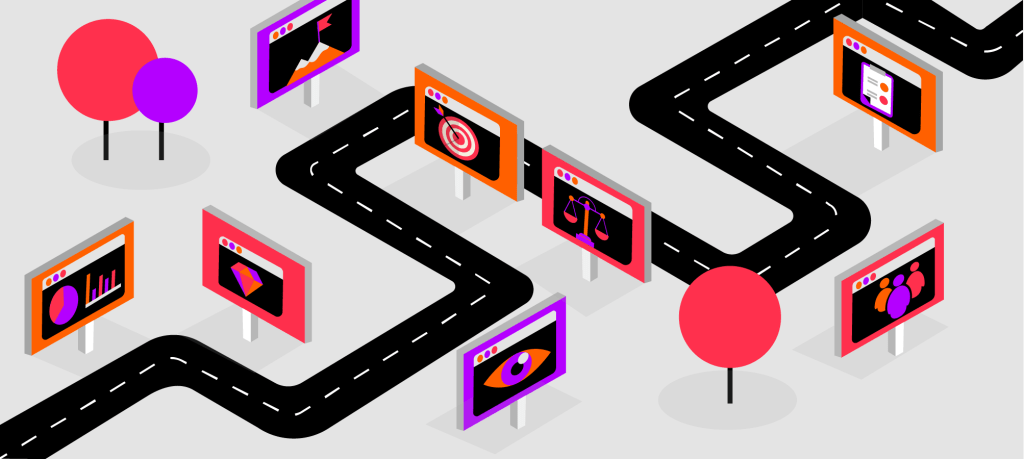
Whatever the approach, it is best to let the user determine which web technologies best suit their needs, by delivering robust web content. The process for delivering robust web content starts with accounting for the different user technologies, which includes the use of “…different operating systems, different browsers, and different versions of browsers,” then road mapping a content development plan for each.
Why does it matter?
The business justification for ensuring that putting people at the center of the web design process with robustness is applied as a web design practice can be best summarized as follows:
“Not everyone uses the same technologies now, nor will they in the future. Some people have advanced features enabled. Others have these features turned off. Some people are early adopters of new technologies. Others are slow to adapt to the rapidly-changing currents in the flow of technological advances. Despite the differences between users and the technologies they use, they all expect the web to work.”
Potential Connected Experience Benefits
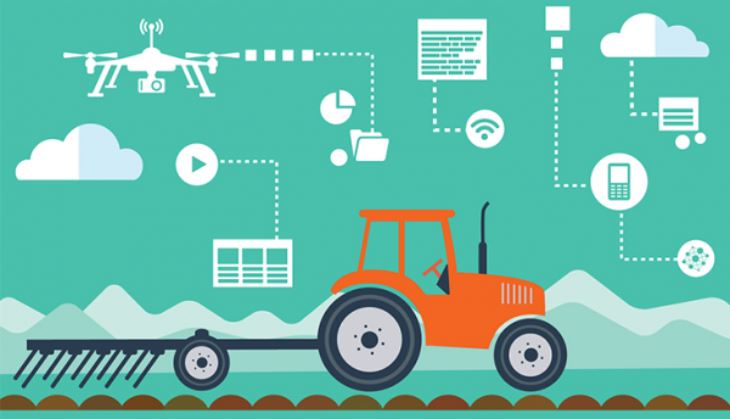
While time and effort investments will be needed to develop web content according to the specifications of the technologies being used, they will produce more reliable content accessibility results and increase the chances that your organization’s content will be accessible to people – particularly those with disabilities, in the long run, in a similar fashion to cultivating crops on a farm!
Next week, I will provide a quick overview on integrating third party applications with content management systems which are designed for the publication of web content to web sites, in an effort to optimize a customer’s connected experience..
 Brendan Hukill