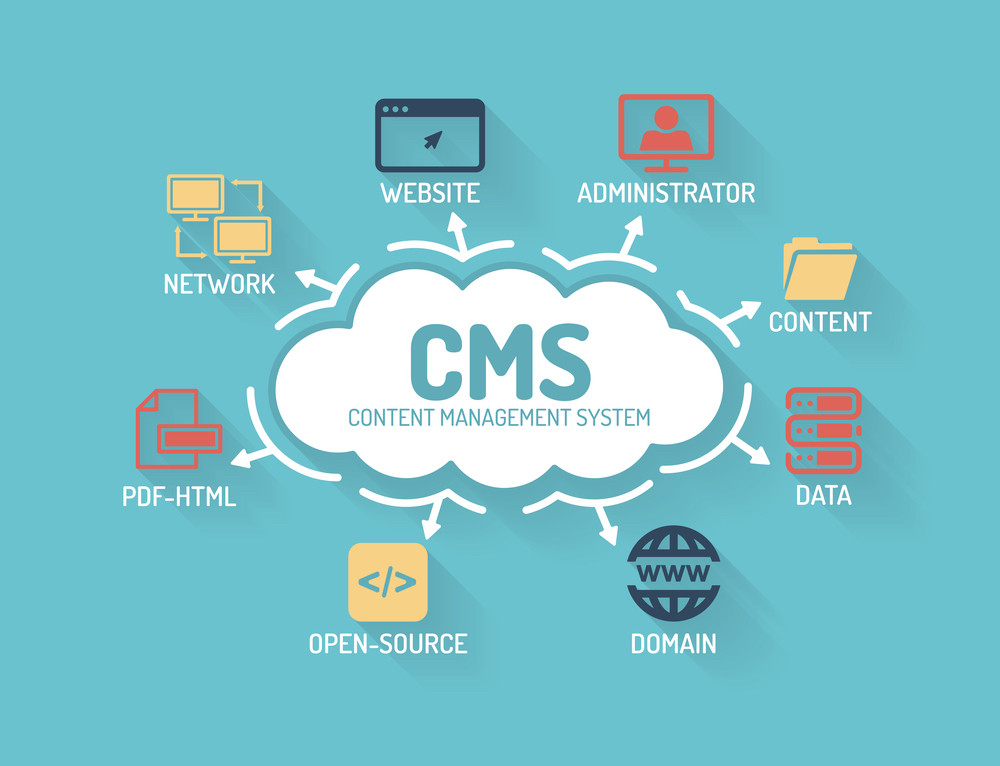
What is it?
A Content Management System or CMS is defined as being “…a software that is used to build websites and create content to be published on the internet, [which] typically allows you to create a website without writing any code.”
In the early days of the web, you needed to know HTML to be able to code a website and publish your content online. That used to be hard, but CMS has made it much easier. Instead of writing your website code from scratch, the CMS software does it for you.
Think of it like driving a car. You don’t need to understand the mechanics behind how it all works. Instead, you use a simplified dashboard and pedals to tell the car what to do.
With a powerful CMS platform like WordPress, you can log in to your website dashboard and use a simplified interface to create your web pages, add content, and customize the design. Then the CMS does the hard work of creating the code for you.
With the right CMS, you can start a blog, open an eCommerce store, build a tutorial website, create portfolios, and more.”
Integrating Third Party Applications with a CMS
During my time as a Marketing Manager for a company called StorExcel (now Chesapeake Systems, via acquisition), I was able to successfully integrate several third party applications, including Formstack’s website-driven event RSVP form (formerly Fast Forms) with Weebly (the CMS of choice, at the time). The main takeaway I want to provide in this post, is that anyone that knows what they want to accomplish with their CMS, can do so via the right “Out of the box” CMS option selection alongside the appropriate application integration configuration(s), which are relatively affordable and easy to implement. Having said that, this takeaway does come with some pre-requisites, including:
- An Understanding of what you want your CMS to do
- An Awareness of what your CMS options are
- Determination that your CMS Goals can be met via a simple/affordable application programming interface (API), with the right focus
- Due diligence in weighing, evaluating (via testing) your CMS-driven workflow options
- Follow-through of your CMS-driven workflow option of choice, via consistent and resilient execution
What do you want your CMS to do?

The capabilities of Content Management Systems are limitless. That said, the process of integrating applications for your CMS starts with determining what your current and future CMS goals are, then determining what CMS is right for you.
Awareness of CMS Options
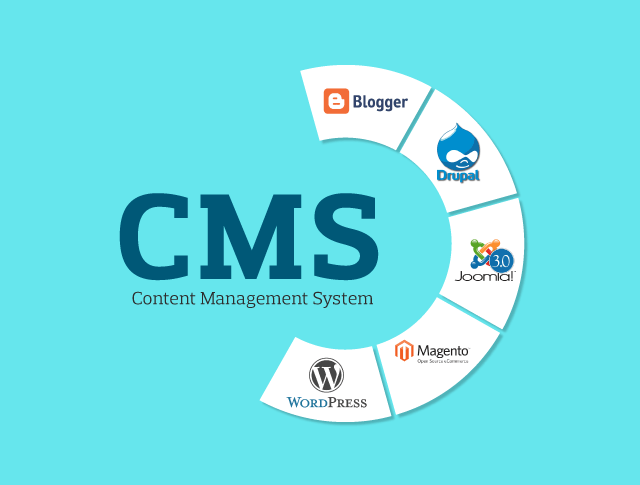
There are several CMS options which are available, which one can choose from. Once you understand what you want your CMS to do, you will be able to start sorting through the available CMS options, and eventually filter the myriad of options down to a select few which closely match your short-term and long-term CMS needs.
Enabling your CMS Goals via Focused Determination

It may seem daunting to be able to accomplish your CMS goals, at first, especially if/when you are an entrepreneur or have tasked yourself with creating a process that does not exist, for the first time. Do not be daunted! Be rest-assured that with the right focus, the right CMS implementation is waiting to be configured for you and/or by you.
Due Diligence in Evaluating (via Testing), and Weighing your CMS Options

Determining which of the select few CMS options that remain after your initial selection process, should begin with evaluating which of these options can meet most of your needs “Out of the box” – in order to keep your CMS costs down, as well as avoid unnecessary complexity and/or redundant capabilities with your CMS. This evaluation will typically involve a price/capability trade-off for each CMS option, as well as an audit of what needed capabilities would need to be added via integration of third party applications for each CMS.
For a robust CMS like WordPress, adding new functionalities and integrations to your site via plug-ins can be accessed very easily, through the use of the CMS’s native plug-in directory. With this standard comes the cost of implementation, however, which – when one is arrived at appropriately, are nominal. Depending on your needs, a CMS configured with a basic plan that has minimal features (Ex: see WordPress plans) may be the best approach. For example, installing plug-ins with WordPress requires the platform’s Business Plan, which may be more appropriate when there is: a complex product or service offering, heavy website traffic, and a high volume of orders to fulfill. There are certainly benefits to a robust CMS, like WordPress, over open-source alternatives. With WordPress, one has tens of thousands of customizable themes, and plug-ins to choose from, as well as several intuitive learning resources provided by community members from all over the world.
In the end, whether you prefer to use an open-source web content management framework, such as Drupal, or use a subscription-based CMS, such as WordPress, each CMS option’s price/capability trade-off will then need to be weighed against each other in order to arrive at the CMS option that is best suited for your CMS goals.
Follow-Through of your CMS Option of Choice, via Consistent and Persistent Execution

Hallelujah! You’ve set up a working CMS configuration, and everything is working. Set it, and forget it, right? Not exactly. You’re going to run into challenges maintaining your CMS execution strategy, with each twist and turn of your CMS execution journey. Ongoing maintenance and TLC with each of your CMS tasks will be needed to stay the course. Not to worry, as no task will be too tall if you pay attention to your ever-changing CMS work environment, and respond accordingly.
Next week, I will provide a quick overview on integrating third party applications with Customer Resource Management (CRM) systems “…which are designed to help companies stay connected to customers, streamline processes, and improve profitability,” in an effort to optimize a customer’s connected experience.
 Brendan Hukill